|
SQL
httpx.exe -h
标志:
输入:
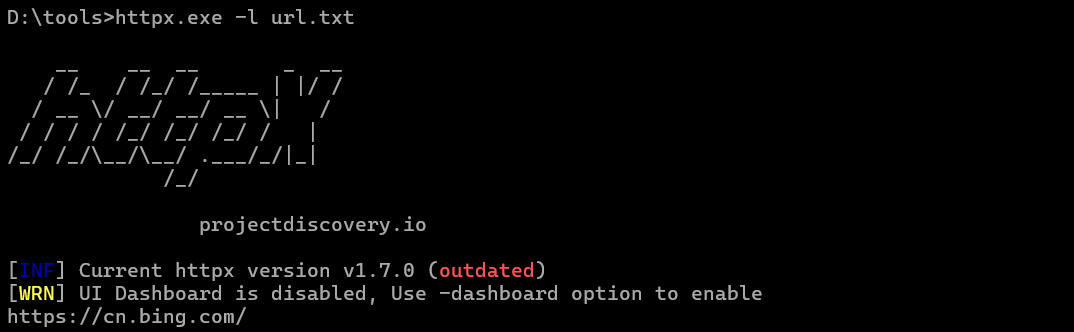
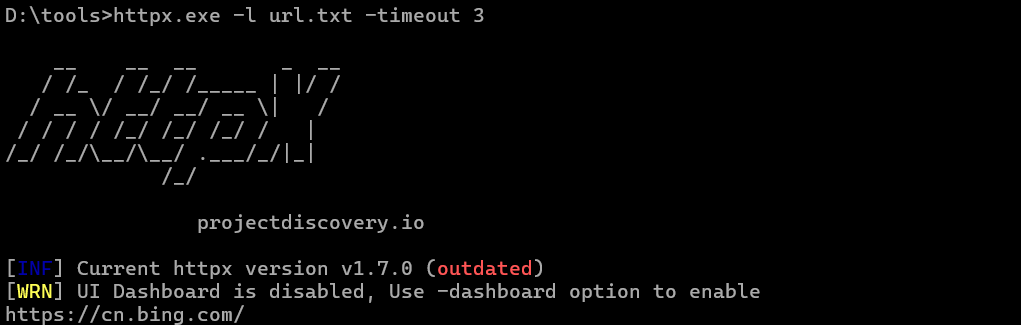
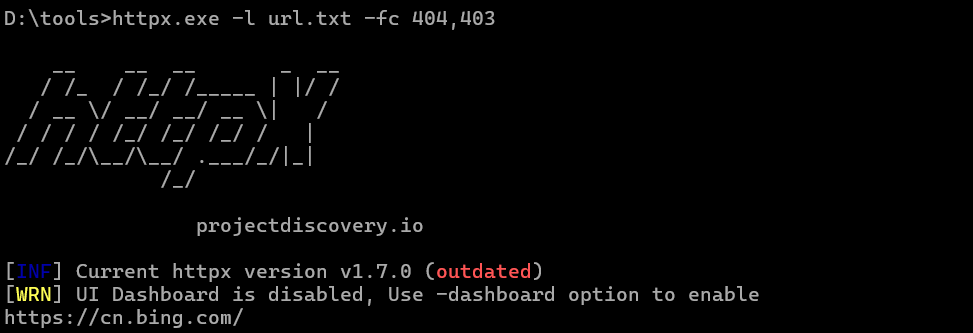
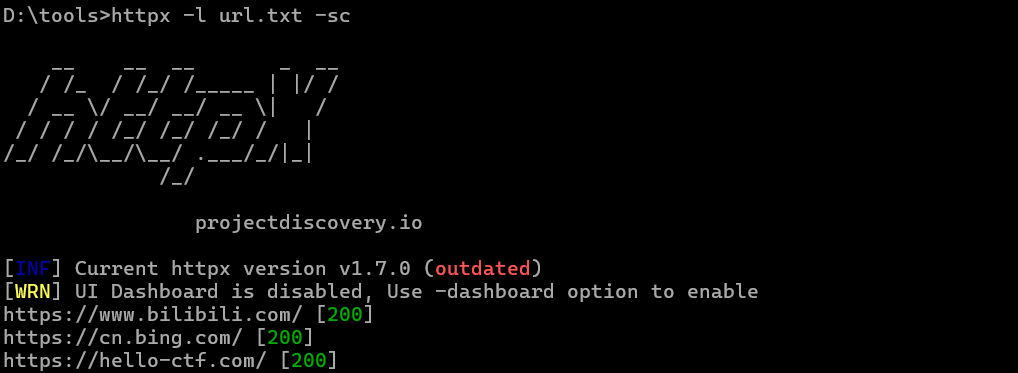
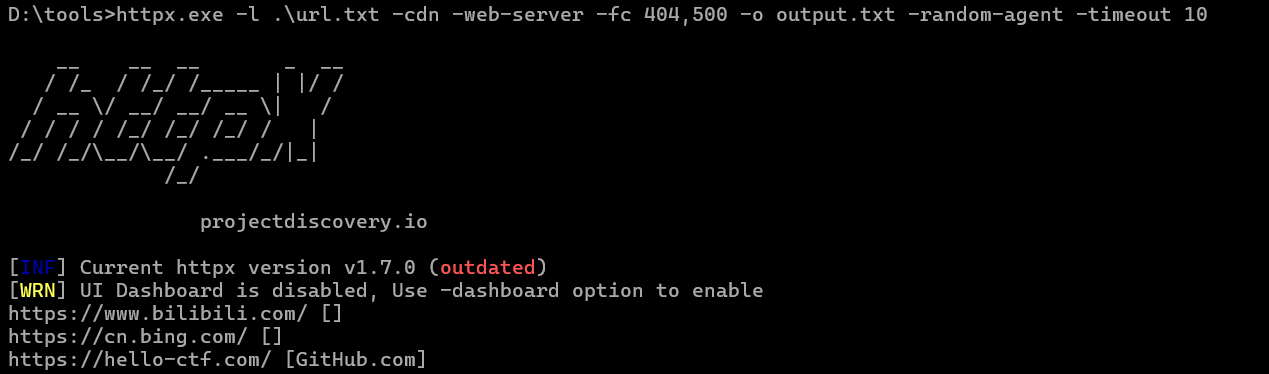
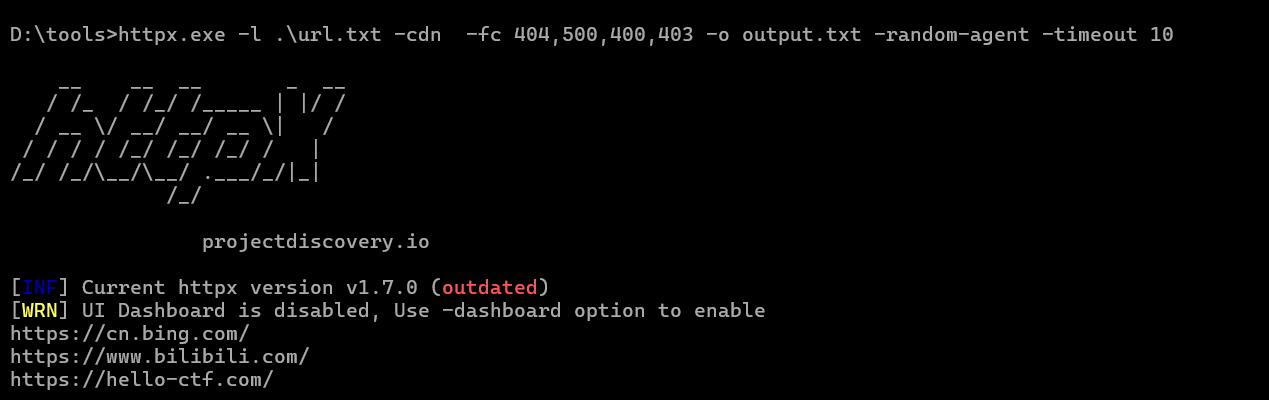
-l,-list string 包含要处理的主机列表的输入文件
-rr,-request string 包含原始请求的文件
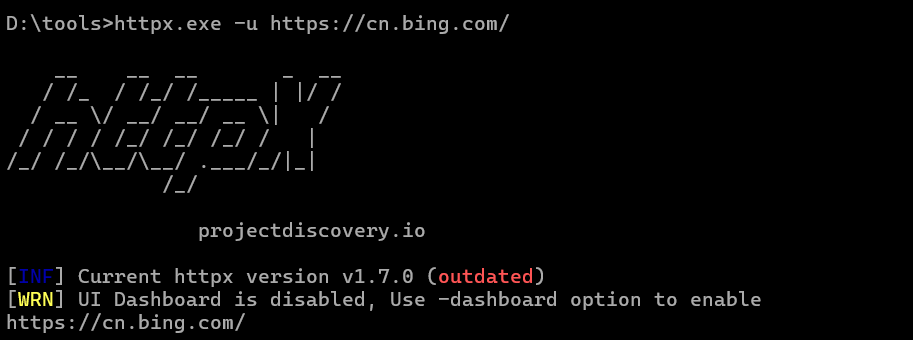
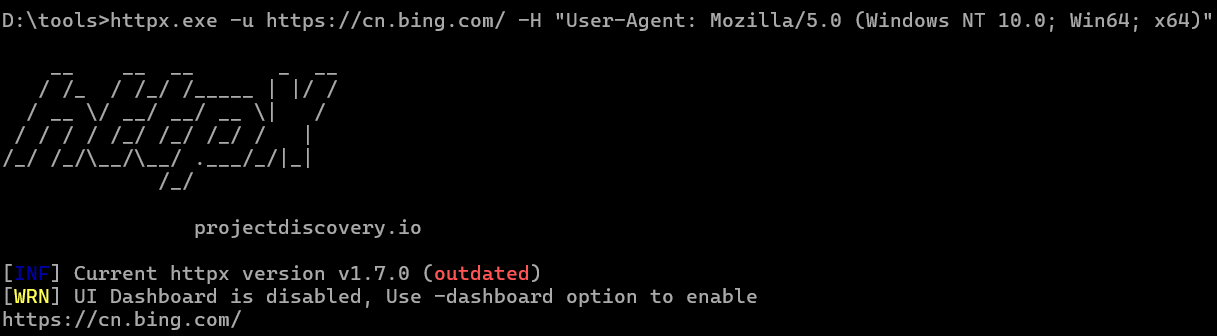
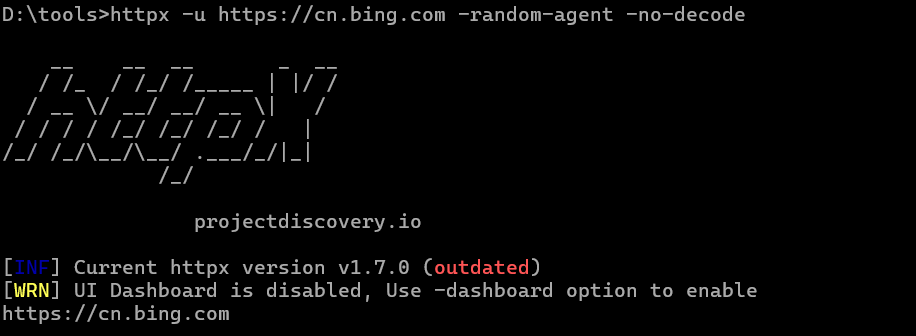
-u,-target string[] 要探测的目标主机
探测器:
-sc,-status-code 显示响应的状态码
-cl,-content-length 显示响应的内容长度
-ct,-content-type 显示响应的内容类型
-location 显示重定向位置
-favicon 显示 /favicon.ico 文件的 mmh3 哈希值
-hash string 显示响应体散列值(支持的算法:md5,mmh3,simhash,sha1,sha256,sha512)
-jarm 显示 jarm 指纹哈希值
-rt,-response-time 显示响应时间
-lc,-line-count 显示响应体行数
-wc,-word-count 显示响应体单词数
-title 显示页面标题
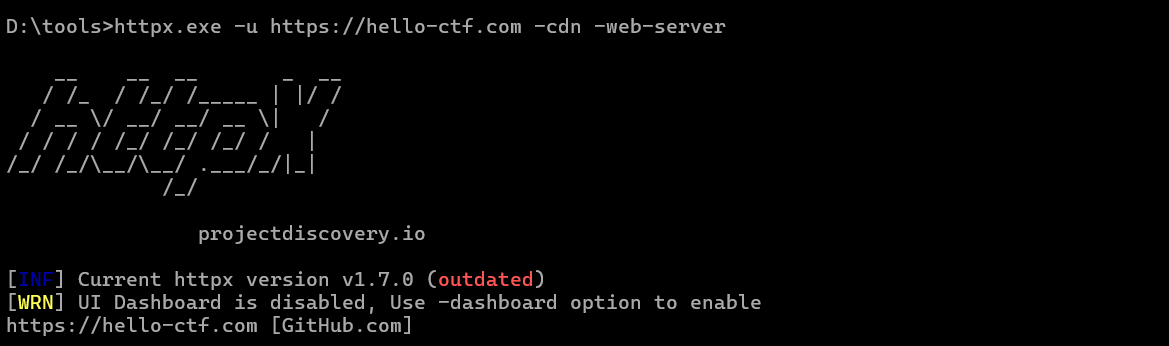
-server, -web-server 显示服务器名称
-td, -tech-detect 基于 wappalyzer 数据集显示正在使用的技术
-method 显示 HTTP 请求方法
-websocket 显示使用 websocket 的服务器
-ip 显示主机 IP
-cname 显示主机 CNAME
-asn 显示主机 ASN 信息
-cdn 显示正在使用的 CDN
-probe 显示探针状态
无头:
-ss,-screenshot 启用使用 headless 浏览器保存页面截图
-system-chrome 启用使用本地安装的 Chrome 进行截屏
匹配器:
-mc,-match-code string 匹配具有指定状态码的响应(例如:-mc 200,302)
-ml,-match-length string 匹配具有指定内容长度的响应(例如:-ml 100,102)
-mlc,-match-line-count string 匹配具有指定行数的响应体(例如:-mlc 423,532)
-mwc,-match-word-count string 匹配具有指定单词数的响应体(例如:-mwc 43,55)
-mfc,-match-favicon string[] 匹配具有指定 favicon 哈希值的响应(例如:-mfc 1494302000)
-ms,-match-string string 匹配具有指定字符串的响应(例如:-ms admin)
-mr,-match-regex string 匹配具有指定正则表达式的响应(例如:-mr admin)
-mcdn,-match-cdn string[] 匹配使用指定 CDN 提供商的主机(例如:cloudfront、fastly、google、leaseweb)
-mrt,-match-response-time string 匹配指定响应时间的响应,单位为秒(例如:-mrt '< 1')
-mdc,-match-condition string 使用 DSL 表达式条件匹配响应
提取器:
-er,-extract-regex string[] 显示与匹配的正则表达式相匹配的响应内容
-ep,-extract-preset string[] 显示由预定义的正则表达式(url、ipv4、mail)匹配的响应内容
-fc,-filter-code string 过滤具有指定状态码的响应(例如:-fc 403,401)
-fl,-filter-length string 过滤具有指定内容长度的响应(例如:-fl 23,33)
-flc,-filter-line-count string 过滤响应体具有指定行数的响应(例如:-flc 423,532)
-fw,-filter-word string[] 过滤包含指定单词的响应体(例如:-fw admin,password)
-fcdn,-filter-cdn string[] 过滤使用指定 CDN 提供商的主机(例如:cloudfront、fastly、google、leaseweb)
-frt,-filter-response-time string 过滤指定响应时间的响应,单位为秒(例如:-frt '>2')
-fdc,-filter-condition string 使用 DSL 表达式条件过滤响应。
速率限制:
-t,-threads int 要使用的线程数 (默认值为 50)
-rl,-rate-limit int 每秒发送的最大请求数 (默认值为 150)
-rlm,-rate-limit-minute int 每分钟发送的最大请求数
杂项:
-pa,-probe-all-ips 探测与同一主机关联的所有 IP
-p,-ports string[] 要探测的端口 (nmap 语法: 如 http:1,2-10,11,https:80)
-path string 要探测的路径或路径列表(逗号分隔的文件)
-tls-probe 在提取的 TLS 域名上发送 http 探针 (dns_name)
-csp-probe 在提取的 CSP 域上发送 http 探针
-tls-grab 执行 TLS(SSL) 数据抓取
-pipeline 探测和显示支持 HTTP1.1 管道的服务器
-http2 探测和显示支持 HTTP2 的服务器
-vhost 探测并显示支持 VHOST 的服务器
-ldv,-list-dsl-variables 列出支持 dsl 匹配器/过滤器的 json 输出字段键名
更新:
-up,-update 将 httpx 更新到最新版本
-duc,-disable-update-check 禁用 httpx 的自动更新检查
输出:
-o,-output string 要写入输出结果的文件
-sr,-store-response 将 http 响应存储到输出目录
-srd,-store-response-dir string 将 http 响应存储到自定义目录
-csv 以 csv 格式存储输出
-csvo,-csv-output-encoding string 定义输出编码
-json 以 JSONL(ines) 格式存储输出
-irr,-include-response 在 JSON 输出中包含 http 请求/响应 (-json only)
-irrb,-include-response-base64 在 JSON 输出中包含 base64 编码的 http 请求/响应 (-json only)
-include-chain 在 JSON 输出中包含重定向 http 链 (-json only)
-store-chain 在响应中包含 http 重定向链 (-sr only)
配置:
-r,-resolvers string[] 自定义解析器列表 (文件或逗号分隔)
-allow string[] 允许处理的 IP/CIDR 列表 (文件或逗号分隔)
-deny string[] 拒绝处理的 IP/CIDR 列表 (文件或逗号分隔)
-sni, -sni-name string 自定义 TLS SNI 名称
-random-agent 启用随机 User-Agent 使用 (默认为 true)
-H, -header string[] 自定义要发送的 http 请求头
-http-proxy, -proxy string 要使用的 http 代理 (例如 http://127.0.0.1:8080)
-unsafe 发送跳过 golang 规范化的原始请求
-resume 使用 resume.cfg 恢复扫描
-fr, -follow-redirects 跟踪 http 重定向
-maxr, -max-redirects int 每个主机要跟踪的最大重定向数量 (默认值为 10)
-fhr, -follow-host-redirects 在同一主机上跟踪重定向
-vhost-input 获取一个 vhosts 列表作为输入
-x string 要探测的请求方法,使用 'all' 探测所有 HTTP 方法
-body string 在 http 请求中包含 post body
-s, -stream 流模式 - 开始详细说明输入目标而不进行排序
-sd, -skip-dedupe 禁用去重输入项(仅与流模式一起使用)
-ldp, -leave-default-ports 在 host header 中保留默认的 http/https 端口 (例如 http://host:80 - https://host:443
-ztls 使用 ztls 库,并自动回退到 tls13 的标准库
-no-decode 避免解码响应体
调试:
-health-check, -hc 运行诊断检查
-debug 在 cli 中显示请求/响应内容
-debug-req 在 cli 中显示请求内容
-debug-resp 在 cli 中显示响应内容
-version 显示 httpx 版本
-stats 显示扫描统计信息
-profile-mem string 可选的 httpx 内存配置文件转储文件
-silent 静默模式
-v, -verbose 详细模式
-si, -stats-interval int 在显示统计更新之间等待的秒数 (默认值为 5)
-nc, -no-color 禁用 cli 输出中的颜色
优化:
-nf, -no-fallback 显示探测的协议 (HTTPS 和 HTTP)
-nfs, -no-fallback-scheme 使用输入中指定的协议方案进行探测
-maxhr, -max-host-error int 跳过剩余路径/ s 前每个主机的最大错误计数 (默认值为 30)
-ec, -exclude-cdn 跳过 CDNs 的完整端口扫描 (仅检查 80、443)
-retries int 重试次数
-timeout int 超时时间,单位为秒 (默认值为 10)
-delay duration 每个 http 请求之间的持续时间 (例如:200ms,1s) (默认值为-1ns)
-rsts, -response-size-to-save int 要保存的最大响应体字节数 (默认值为 2147483647)
-rstr, -response-size-to-read int 要读取的最大响应体字节数 (默认值为 2147483647) |


 19
19 0
0


 已为社区贡献1条内容

所有评论(0)